Changelog
Stay up to date with all of the latest additions and improvements we've made to OwlStat.
June 7, 2026
🧪 TikTok analytics (early testing)
We're testing TikTok inside OwlStat, so you can keep an eye on more of your social presence in one place.
It's early days and very much a work in progress. We're opening it up gradually to a small group while we refine the experience.
Want to help us test it? Reach out and we'll be in touch.
June 3, 2026
🏆 Milestone Emails
Never miss a big moment. OwlStat now emails you when one of your accounts reaches a follower milestone.
What's new:
- Automatic Milestone Alerts: Get an email the moment an account crosses a follower milestone.
- Fully Localized: Milestone emails arrive in your language.
- Email Preferences: Manage what you receive and unsubscribe anytime from your preferences.
Milestone emails are on by default. Adjust them anytime in your settings.
June 1, 2026
🎨 Whitelabel Customization
Whitelabel owners get more control over branding. Customize how your portal and reports look for your clients.
What's new:
- Custom Branding Fields: Add your own branding details so reports and the portal feel like yours.
- Branded Email Reports: Reports sent to your clients carry your whitelabel branding.
- Consistent Client Experience: A unified look across the dashboard, reports, and emails.
Configure your branding from the whitelabel settings.
May 29, 2026
✨ Quality-of-life improvements
A batch of smaller updates from across the app, bundled together.
What's new:
- Redesigned Analytics Dashboard: A cleaner analytics view with interactive period controls.
- Post Insights History: Open any post to see how its performance changed over time.
- Show Password on Login: Toggle password visibility so you can check what you typed.
- Clickable Leaderboard: Jump straight to a profile right from the leaderboard.
- Shareable Table Views: Sorting, filtering, and pagination now stay in the URL, so you can bookmark and share the exact view.
- Faster, More Reliable Reports: Speed and stability improvements behind the scenes, including better handling of slow data sources.
More on the way. Thanks for using OwlStat 🙌
March 1, 2026
🔐 Two-Factor Authentication (2FA)
🎉 We've launched Two-Factor Authentication to keep your account more secure than ever! 🚀
You can now enable 2FA on your account using any authenticator app (Google Authenticator, Authy, etc.), adding an extra layer of protection to your login.
What's new:
- TOTP-Based 2FA: Use any standard authenticator app to generate time-based one-time passwords for secure login.
- QR Code Setup: Scan a QR code to quickly set up 2FA in your authenticator app — no manual entry required.
- Backup Codes: Get a set of one-time backup codes when enabling 2FA, so you can always recover access to your account.
- Easy Enable / Disable: Turn 2FA on or off anytime from your account settings.
We strongly recommend enabling 2FA to protect your account. Head to your settings to get started.
January 1, 2026
📄 Media Kit Builder
🎉 We've launched a powerful Media Kit Builder that lets you create stunning, customizable media kits for your social media accounts! 🚀
Build professional media kits with drag-and-drop cards, customizable themes, and real-time analytics tracking - perfect for sharing with brands, agencies, or clients.
What's new:
- Drag-and-Drop Bento Grid: Arrange cards with intuitive drag-and-drop functionality. Resize cards to multiple sizes (square, rectangle, large, extra wide, full width) for the perfect layout.
- 12+ Card Types: Choose from Profile, Stats, Analytics, Text, Image, Location, Social Links, Contact, Charts, Tables, Posts, and more to showcase your brand.
- Customizable Themes: Personalize your media kit with custom colors, backgrounds, fonts, and styling to match your brand identity.
- Profile Customization: Upload custom profile pictures and cover images, add your bio, social links, and contact information.
- Analytics Tracking: Track views and clicks on your media kit with detailed analytics and click history for links and social buttons.
- PDF Export: Export your media kit as a professional PDF document for offline sharing and presentations.
- Public Sharing: Share your media kit via a custom slug URL - perfect for including in pitches, emails, or portfolios.
- Mobile Preview: Preview how your media kit looks on mobile devices before sharing.
- Real-Time Editing: Edit mode with live preview - add, edit, delete, and reorder cards with instant visual feedback.
Create your first media kit from the Media Kits page and start showcasing your Instagram analytics in style!
December 16, 2025
📧 Auto-Create Reports
🎉 We've added auto-create reports functionality! Now you can automatically generate reports for new Instagram accounts you add to your dashboard. 🚀
When you add new accounts, reports can be created automatically with your preferred settings - no manual setup required for each account.
How it works:
- Automatic Report Creation: Enable auto-creation and choose your preferred frequency (daily, weekly, monthly).
- Custom Email Recipients: Set a specific email address for reports, or leave empty to use your account email.
- Per-Account Control: Configure settings once and apply them to all new accounts you add.
Configure your auto-report preferences in the Reports page for a streamlined workflow.
December 10, 2025
👥 Sub-Users Addon (Premium Feature)
🎉 We've launched the Sub-Users Addon, a premium feature that allows whitelabel owners to create secure sub-user accounts for their clients! 🚀
Give your clients their own login credentials to access their analytics on your whitelabel portal, with full control over which accounts each user can see.
What's new:
- Unlimited Sub-User Accounts: Create as many sub-user accounts as needed for your clients.
- Secure Login Layer: Each sub-user gets their own secure login credentials with password protection.
- Granular Account Access Control: Control exactly which Instagram accounts each sub-user can access and analyze.
- Custom User Fields: Store additional custom information for each sub-user with flexible JSON-based custom fields.
- User Activity Tracking: Monitor when sub-users last logged in and their activity.
- Bulk Account Assignment: Easily assign multiple accounts to sub-users at once.
The Sub-Users Addon is now available in the Settings page for whitelabel owners with approved configurations.
November 7, 2025
📊 Whitelabel Analytics Dashboard
🎉 We've added comprehensive analytics tracking for whitelabel websites! 🚀
Whitelabel owners can now track and analyze visitor behavior on their custom domains and subdomains with detailed insights and statistics.
What's new:
- Automatic Visit Tracking: Tracks all visitors (logged-in and anonymous) to whitelabel domains with zero additional setup required.
- Smart Company Detection: Automatically identifies the company from domain (subdomain.owlstat.io or custom domains) - no manual configuration needed.
- Comprehensive Analytics Dashboard: View total visits, unique visitors, top pages, referrers, and browser distribution in an intuitive interface.
- Flexible Time Ranges: Analyze data by day, week, or month with customizable date ranges (7, 30, or 90 days).
- Privacy-First: No personal user data is tracked - only anonymous visit statistics with IP addresses for unique visitor counting.
- Available Everywhere: Access your whitelabel analytics from any domain (main OwlStat or whitelabel) once your configuration is approved.
The analytics system is now live and automatically tracking visits to all whitelabel websites. Whitelabel owners with approved configurations will see an "Analytics" tab in their Settings.
September 9, 2025
📁 Bulk Folder Actions
We've added powerful bulk actions to make managing your Instagram accounts even easier! Now you can organize multiple accounts at once.
What's new:
- Bulk Add to Folder: Select multiple accounts and add them all to a folder in one click.
- Bulk Unassign Folder: Remove all folder assignments from selected accounts instantly.
- Bulk Open All: Open all selected accounts in new tabs for quick comparison and analysis.
- Bulk Remove from List: Remove multiple accounts from your dashboard with a confirmation dialog for safety.
- Smart Selection: Bulk actions only appear when you have accounts selected, keeping the interface clean.
To use these new features, simply select multiple accounts by clicking on their avatars, then use the bulk actions that appear in the toolbar.
August 22, 2025
🐛 Bug fixes & dev updates
Quick update: we've fixed a few bugs and made some improvements under the hood.
What's new:
- Bug fixes: small stuff, but they add up! Smoother experience all around.
- Still building: development is active as always, with new features and tweaks in progress.
- More tools on the way: we're working on versions for other social platforms. If you're interested, reach out, happy to chat!
More soon. Thanks for using OwlStat 🙌
January 12, 2025
🤖 AI Reports (Soft Launch)
🎉 We're excited to announce the soft launch of AI Reports! 🚀
With AI Reports, you can generate textual reports based on your Instagram analytics data. Choose from different models, tones, and lengths to create a customized report that you can share with your clients or team.
While it's still in the testing phase, you can start exploring the potential of AI Reports and see how they can enhance your reporting process.
To test it out, go to the profile page of any Instagram account and click on the AI Report button.
December 31, 2024
🎉 End-of-Year Update: Report Customizer (Soft Launch)
It's the end of the year, but we're not slowing down! 💪 We've soft-launched the Report Customizer, a new feature designed to give you more control over your Instagram analytics reports.
While it's still in the testing phase, you can start exploring its potential to adjust and personalize your reports.
We're excited to keep improving OwlStat as we head into 2025. Thank you for being part of our journey! 🚀
October 24, 2024
Improved Speed and Security
We’ve made some significant improvements to OwlStat to ensure a faster and more secure experience for all users.
What this means:
- Faster Load Times: We’ve optimized the platform to load quicker, thanks to a caching mechanism, so you can access your Instagram insights in no time.
- Enhanced Security: We’ve implemented additional security measures to protect your data and ensure a safe browsing experience.
- Improved Performance: The platform now runs more smoothly, with fewer interruptions and delays.
Check out the new dashboard to see what's new!
August 20, 2024
OwlStat now fully translated into six new languages
OwlStat is now fully available in six additional languages: Spanish, French, Dutch, German, Italian, and Portuguese!
What this means:
- Seamless Experience: You can now use OwlStat in your preferred language, making it even easier to navigate and understand the insights we provide.
- Localized Content: Every aspect of the platform, from the dashboard to the reports, has been carefully translated to ensure accuracy and clarity in Spanish, French, Dutch, German, Italian, and Portuguese.
- Enhanced Accessibility: Whether you’re working with international clients or simply prefer to operate in your native language, OwlStat now meets your needs more than ever before.
Check out the new dashboard to see what's new!
August 13, 2024
New UI and Feature Enhancements
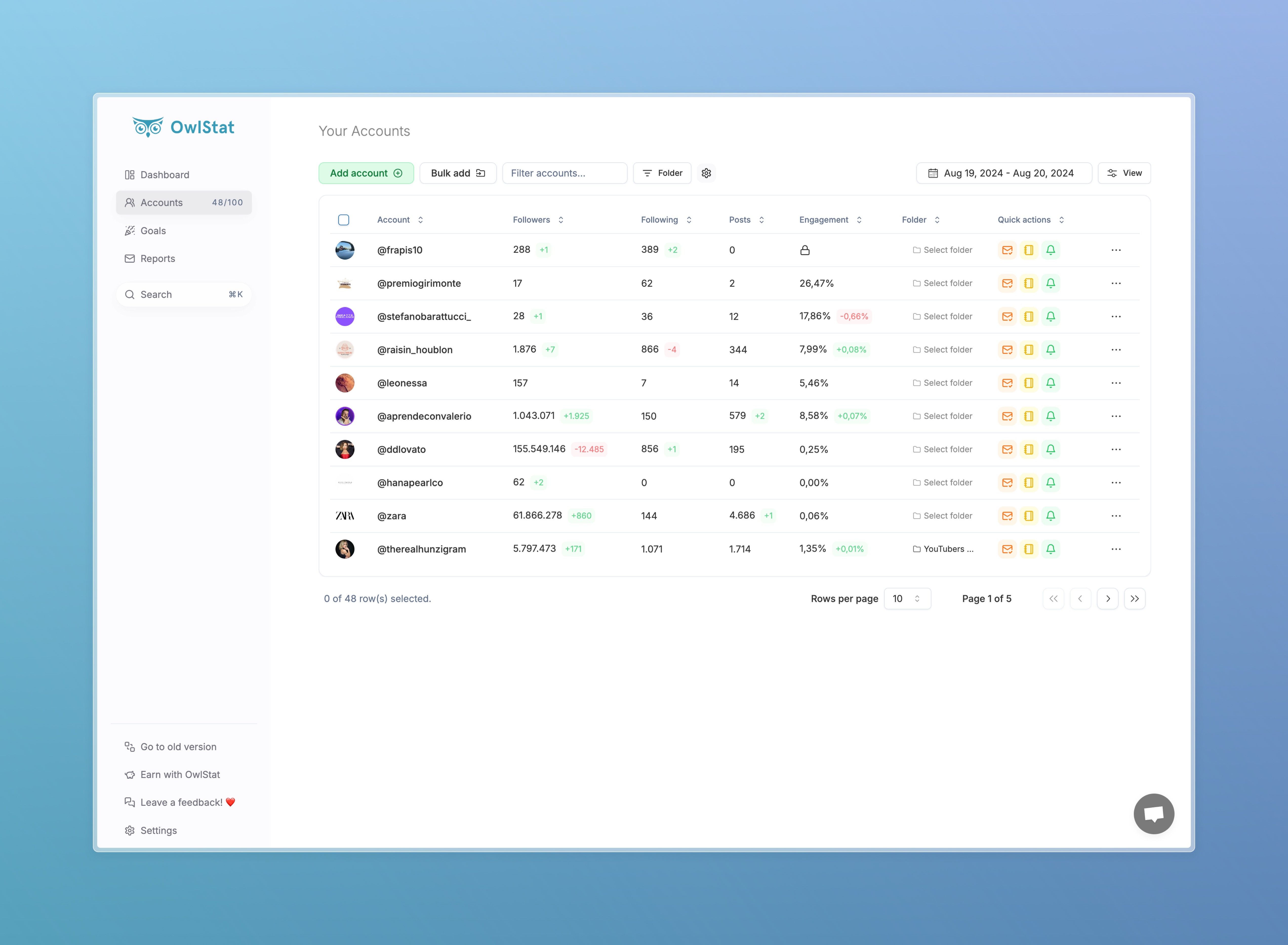
We’re excited to announce that we’ve just rolled out a brand-new UI! It’s now more efficient, visually appealing, and mobile-friendly, ensuring a smoother experience whether you’re on your desktop or on the go.
What’s new:
- Redesigned Interface: Our new UI is cleaner, faster, and easier to navigate, making your workflow more intuitive and enjoyable.
- Improved Mobile Experience: We’ve optimized the platform for mobile devices, so you can seamlessly track your Instagram metrics anywhere, anytime.
- Enhanced Performance: Speed improvements across the platform ensure quicker load times and smoother transitions between features.
- Updated Dashboard: The dashboard now offers more detailed insights at a glance, helping you quickly assess your Instagram performance.
- New Customization Options: Tailor your dashboard and reports to better fit your needs with new customization settings.
- Bug Fixes: We’ve squashed some bugs to enhance stability and reliability.
Check out the new dashboard to see what's new!
July 11, 2024
Introducing OwlStat 4: A modern approach to Instagram Analytics
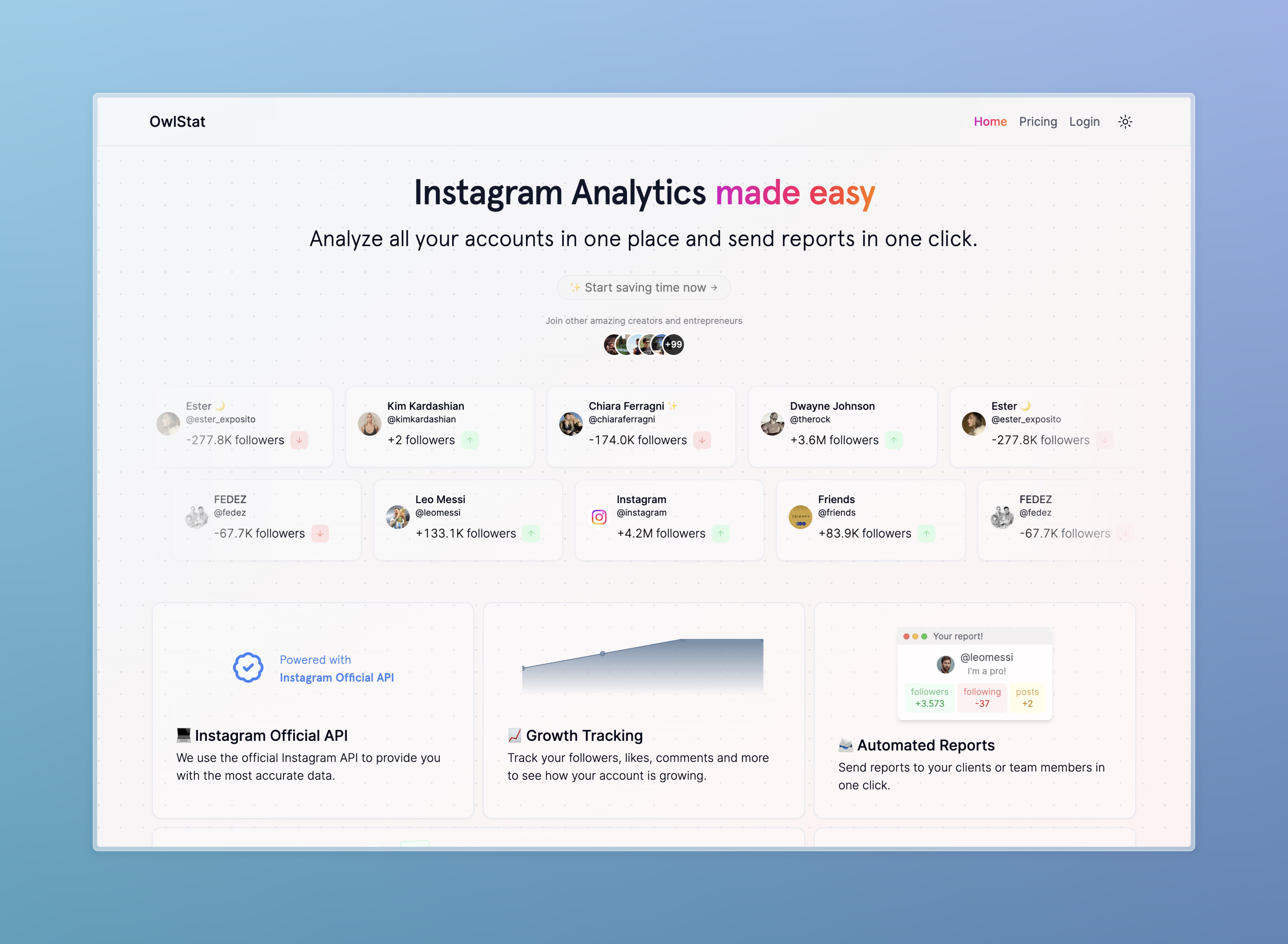
We just released OwlStat 4, a major update to our Instagram analytics platform that includes a completely redesigned dashboard, new insights, and a more modern and intuitive user interface.
We added a changelog to keep you up to date with all of the latest additions and improvements we've made to OwlStat.
Check out the new dashboard to see what's new!